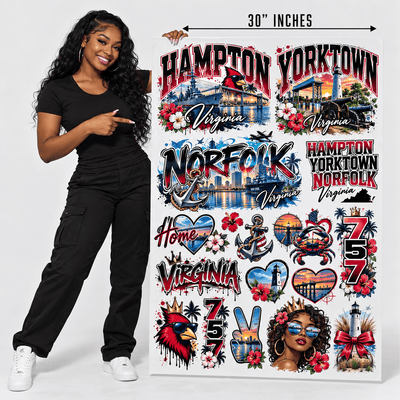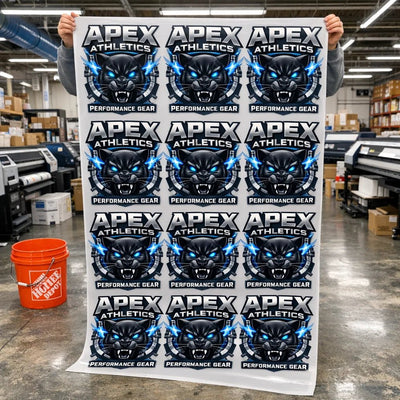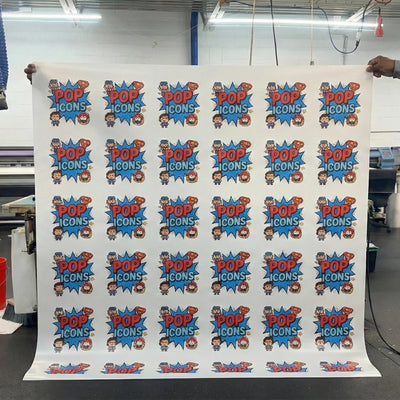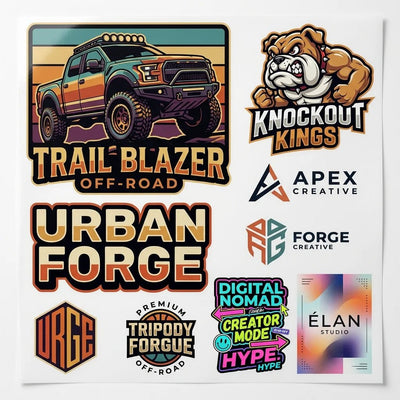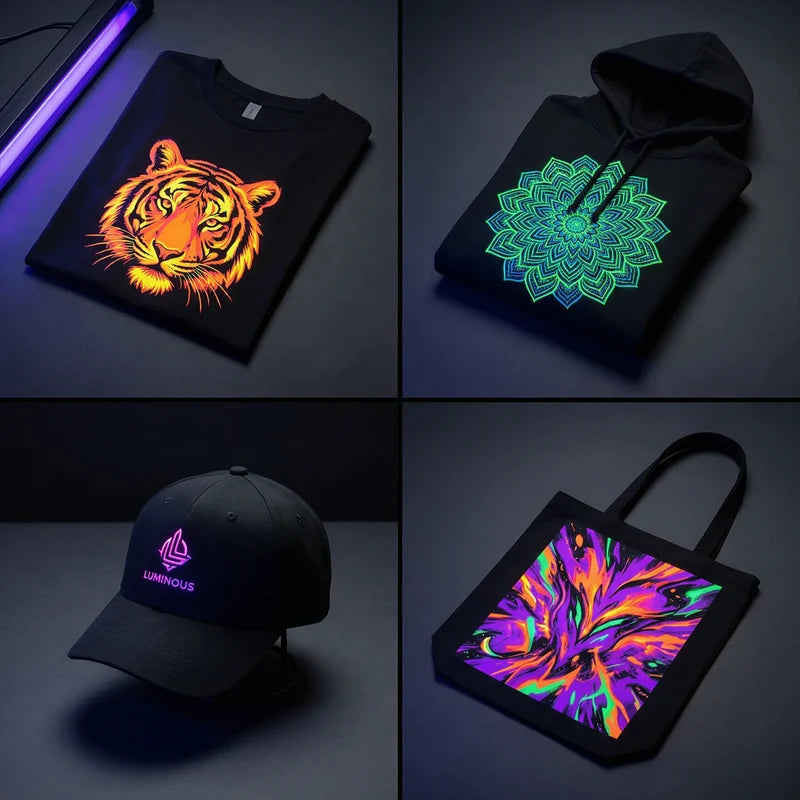
Dull, washed-out DTF transfers result from ink quality issues, inadequate white underbase, incorrect color profiles, or poor fabric selection. Vibrant prints require proper file preparation, quality materials, and correct application settings.
Understanding each factor helps identify and fix color problems.
Insufficient White Underbase
White ink creates the foundation for all colors in DTF printing. Colors printed over transparent or thin white underbase appear dull because fabric color shows through. Dark fabrics require heavy white coverage to make colors pop.
White Ink Opacity
Standard white ink layers should measure 200-250% opacity in design files. Lower opacity produces translucent white that cannot block fabric color. Check printer settings and increase white ink density if transfers look transparent when held up to light.
Underbase Coverage
White underbase should extend 1-2mm beyond all colored areas. This ensures colors sit entirely on white rather than partially on fabric. Automatic underbase generation in RIP software sometimes miscalculates coverage areas. Manually review white layers before printing to verify complete coverage.
Poor Color Profile Management
Color profiles translate screen colors to printer output. Using generic or incorrect profiles produces colors that do not match design files. Each printer and ink combination needs specific color calibration.
Monitor vs Print Color
Computer monitors use RGB color while printers use CMYK. RGB displays show brighter colors than CMYK can reproduce. Convert designs to CMYK before printing for accurate preview of final colors. Adjust saturation in CMYK mode to compensate for the conversion.
Printer Calibration
DTF printers require regular color calibration to maintain accuracy. Ink batches vary, printheads age, and environmental factors affect output. Monthly calibration ensures consistent color reproduction. Print test charts and adjust printer color curves based on results.
Low-Quality Ink
Cheap DTF inks contain less pigment and more filler. The reduced pigment load produces faded colors even with correct settings. Premium inks deliver vibrant colors with better wash durability and resistance to fading. This is one of the most common DTF printing mistakes that affects final quality.
Pigment Concentration
Quality inks contain 15-20% pigment by volume. Economy inks may have only 8-12% pigment. The difference shows immediately in print vibrancy and becomes more apparent after washing. Ink cost savings from cheap ink cost more in lost business from dull colors.
Ink Age and Storage
DTF inks degrade over time when exposed to heat, light, or air. Shake ink bottles thoroughly before filling printer reservoirs. Replace inks older than six months. Store ink in cool, dark locations and keep bottles tightly sealed to prevent oxidation.
Incorrect Print Settings
Resolution, ink density, and print passes all affect color vibrancy. Low-resolution printing or insufficient ink layering produces washed-out colors regardless of ink quality.
Print Resolution
DTF transfers need a minimum 300 DPI resolution for good color reproduction. Lower resolutions create visible dots and reduce color intensity. The difference between 300 DPI and 720 DPI is visible even on simple graphics. Set printers to the highest quality mode for best color saturation.
Ink Saturation Levels
Printer software controls ink deposit per pass. Default settings favor speed over quality with reduced ink volumes. Increase color saturation settings to 100-120% for more vibrant output. Too much ink causes bleeding and powder clumping, so find the balance point.
Fabric Type Impact
Fabric color and texture affect how transfers appear after pressing. The same transfer looks different on white cotton versus black polyester. Understanding different fabric types helps set realistic color expectations.
Dark vs Light Fabrics
Dark fabrics absorb light rather than reflecting it. Colors appear less vibrant on black garments compared to white. White underbase blocks fabric color but cannot completely eliminate its influence. Designs for dark garments should use brighter, more saturated colors to compensate. Test prints on actual fabric colors before production.
Fabric Texture
Smooth fabrics like cotton jerseys reflect light evenly and display colors accurately. Textured fabrics scatter light, making colors appear duller. Bold, high-contrast designs work better on textured fabrics than subtle gradients. Photographic prints show best on smooth, tightly woven materials.
Design File Preparation
Color vibrancy starts with proper file setup. Low-quality source images, incorrect color modes, and poor resolution limit final print quality regardless of equipment and settings.
Image Resolution
Source images should be at least 300 DPI at final print size. Enlarging low-resolution images creates pixelation and color banding. Stock photos from websites often use 72 DPI screen resolution and print poorly. Always verify image resolution before incorporating into designs.
Color Mode and Bit Depth
Save design files in CMYK color mode with 8-bit color depth minimum. RGB files require conversion that may shift colors unpredictably. Use color management in design software to embed ICC profiles for consistent color interpretation across different equipment.
Press Temperature Effects
Excessive heat during pressing can fade some DTF ink colors. Reds and yellows are especially sensitive to over-heating. Pressing at maximum temperature produces fast results but may sacrifice color vibrancy.
Heat-Sensitive Colors
Bright reds, oranges, and yellows can shift toward brown or pink when overheated. Press these colors at 155-160°C instead of 165°C. Test color-critical designs at different temperatures to find the balance between proper bonding and color preservation.
Over-Pressing Duration
Extended press times beyond 20 seconds can cause color shifts even at correct temperatures. Standard 15-18 second press times preserve color better. If adhesion requires longer times, investigate other causes like incorrect pressure or inadequate powder coverage.
Powder Application Quality
Adhesive powder affects color appearance when applied unevenly or excessively. Too much powder creates a thick, cloudy layer that dulls colors. Too little powder causes incomplete transfer that looks faded.
Even Distribution
Powder must coat all ink areas uniformly without buildup or gaps. Shake tables and automated systems produce better results than manual application. Inspect transfers after powder application to verify even coverage. Remove excess loose powder completely to maintain color clarity.
Testing and Quality Control
Consistent color requires ongoing testing and adjustment. Print test targets regularly to catch color drift before it affects customer orders. Implement quality checks at each production stage.
Color Test Patches
Include color reference patches on production prints. These small squares provide quick visual confirmation that printer output matches expectations. Compare current patches to archived samples from previous batches. Consistent color demonstrates good process control.
Customer Proofing
For color-critical work, provide physical printed samples for customer approval before full production. Screen images cannot accurately represent final print colors. Build proofing costs into quotes for custom color work to prevent expensive reprints.
Working with Quality Suppliers
Reputable DTF transfer companies control every variable affecting color vibrancy. They use premium inks, maintain calibrated equipment, and test each batch. Outsourcing to professional DTF services eliminates color management headaches for businesses focused on sales rather than production.
Quality suppliers like DTF Virginia provide color-accurate samples and maintain consistency across reorders. The investment in reliable suppliers pays through reduced waste, faster turnaround, and satisfied customers.
Final Words
Vibrant DTF transfers require adequate white underbase, quality inks, proper color profiles, correct print settings, and appropriate press temperatures. Start with high-resolution CMYK files, use premium materials, calibrate equipment regularly, and test on actual fabric samples. Control each variable to achieve a consistent, eye-catching color that makes your products stand out.