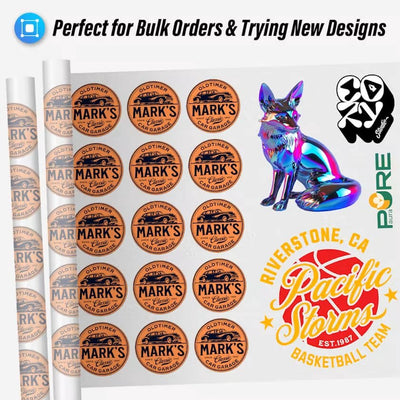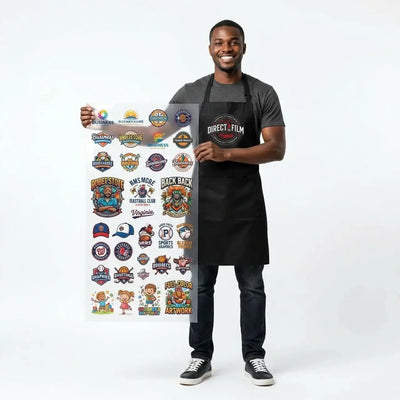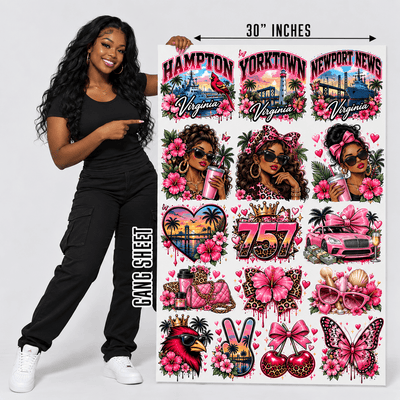
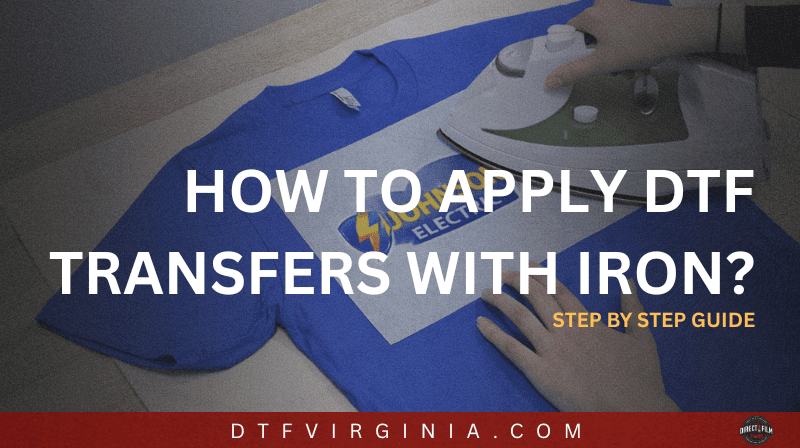
If you don’t have a heat press, don’t worry you can still achieve bright, durable results using just a household iron.
Applying DTF (Direct-to-Film) transfers with an iron takes a little patience and precision, but once you get the hang of it, you’ll be pressing professional-looking designs right at home.
Let’s walk through the process step by step.
1. Line Up and Secure Your Design
Start by placing your DTF printing transfers on the shirt (or other fabric) where you want it. Take a moment to make sure it’s centered and straight, once you apply heat, it’s hard to adjust.
Pro Tip: Use heat-resistant tape (like thermal tape) to hold your transfer in place. This prevents the film from shifting while ironing and keeps your print perfectly aligned.

2. Apply Firm Heat With Your Iron
Set your iron to match your fabric type usually around the cotton or linen setting for the best adhesion.
Make sure the steam function is turned off (you need dry heat only).
Lay a protective sheet (like parchment paper, Teflon, or a silicone pressing sheet) on top of your transfer, then press firmly for about 20 seconds per section.
Don’t move the iron around like normal ironing instead, press and hold in each area with firm, even pressure. If the transfer isn’t sticking, increase your iron’s heat slightly (by small increments) until you get full adhesion.

3. Peel the Film (Hot or Cool)
After pressing, wait just a few seconds then begin peeling the film away.
Depending on your transfer type, you may be able to peel hot or after it cools slightly. Start from one corner and peel slowly at an angle.
If any parts of the design lift:
-
Lay the film back down.
-
Cover it again with parchment.
-
Re-press for another 10–15 seconds with a bit more heat or pressure.
Don’t worry, unlike other transfer methods, DTF transfers can handle multiple presses without damage.

4. Final Press for a Professional Finish
Once the film is removed, do a final press to seal the ink and soften the feel.
Cover your design with a parchment sheet or a thin cotton fabric layer, and press again for 15 seconds.
This step:
-
Improves the durability of your design.
-
Helps it resist cracking or peeling.
-
Removes any unwanted shine (or, for a glossy finish, use a Teflon guard sheet instead).

5. Wash and Care Instructions
DTF transfers are tough but care matters! Here’s how to make your prints last:
-
Turn garments inside out before washing.
-
Use cold water and mild detergent.
-
Hang dry whenever possible (or tumble dry on low heat).
-
Avoid ironing directly over the printed area.
Since irons distribute heat less evenly than a heat press, hang drying is best for long-term durability. The better your initial press, the longer your design will last through washes and wears.

Extra Tips for Success
-
Test on a scrap fabric first to learn how your specific iron handles temperature and pressure.
-
Apply heat from both sides of thick garments if necessary (press from the inside for 5–10 seconds).
-
Always make sure the surface you’re ironing on is flat, firm, and heat-safe, an ironing board with too much padding can reduce pressure. Learn more about what you can do if your dtf transfer not sticking.
Final Thoughts
Applying DTF transfers with an iron is simple once you know the technique. With consistent heat and firm pressure, you can achieve vibrant, durable prints without expensive equipment.
So grab your iron, line up your design, and start pressing your custom apparel business (or DIY wardrobe) is just one transfer away! Check our DTF pressing instructions using heatpress!